Find yours.

Each one started as a conversation, the way you'd tell a friend. Henway boiled it down to one line and built the app. Open one and put something real in. It stays on your device, which is why it's free.

Travel · The most involved one here

“Every trip turns into twelve tabs and three group chats.”

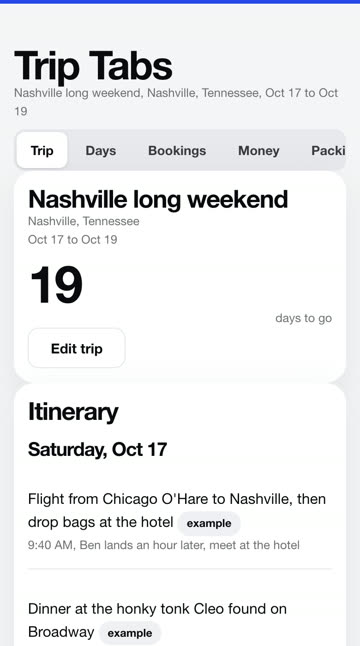
Trip Tabs. The whole trip in one place: the days, the bookings, who owes who and the packing, even offline.

The kind of trip app people pay $49 a year for. This does the part you actually use, and Henway built it in about six minutes.
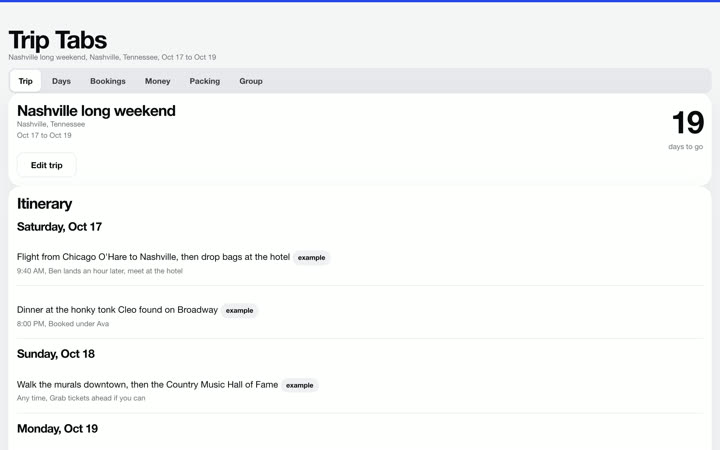
Trip Tabs on a laptop in its Keynote look
Trip Tabs on a phone in its Keynote look

Fitness

“I write every client's workout in my notes app and text it to them every Monday.”

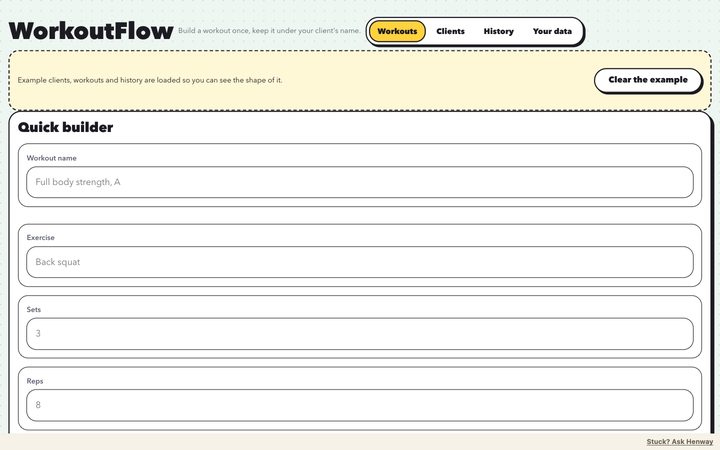
WorkoutFlow. Build a workout once and keep it under each client's name, with what they did last time.

Henway boiled the conversation down to that line, then built it.
WorkoutFlow on a laptop in its Sticker Book look
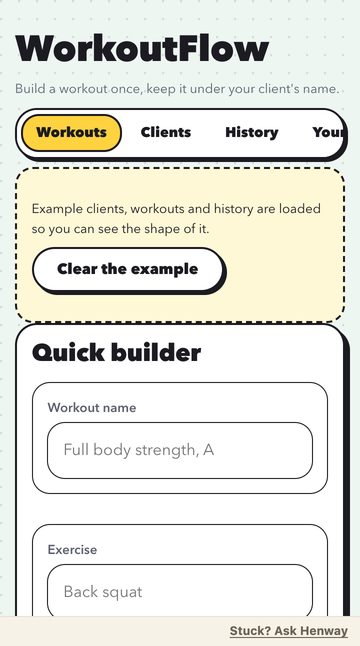
WorkoutFlow on a phone in its Sticker Book look

Creators

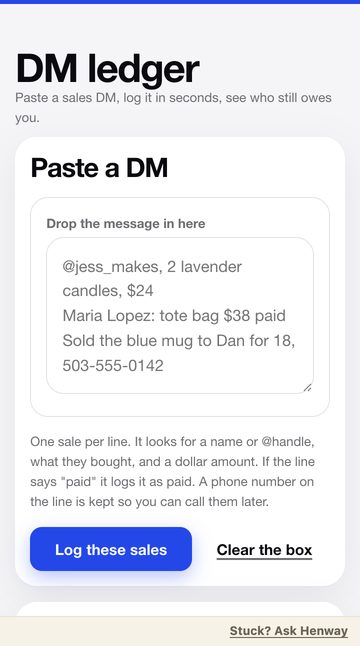
“My brand deals live in my DMs and I always forget who still owes me.”

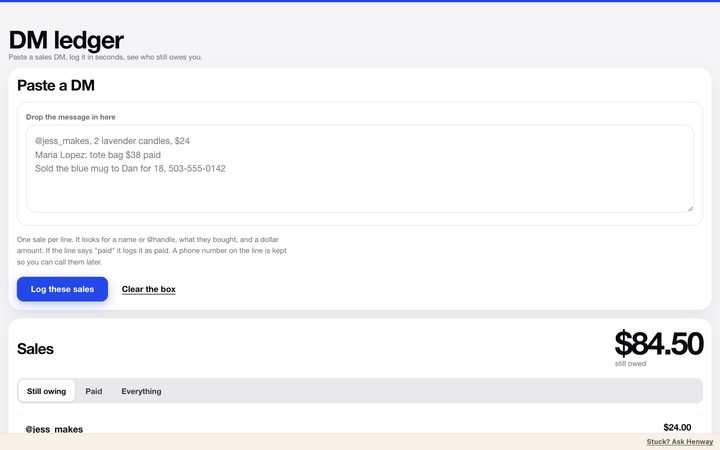
DM ledger. Paste the DM, it's logged in seconds, and you see who still owes you.

Henway boiled the conversation down to that line, then built it.
DM ledger on a laptop
DM ledger on a phone

Healthcare

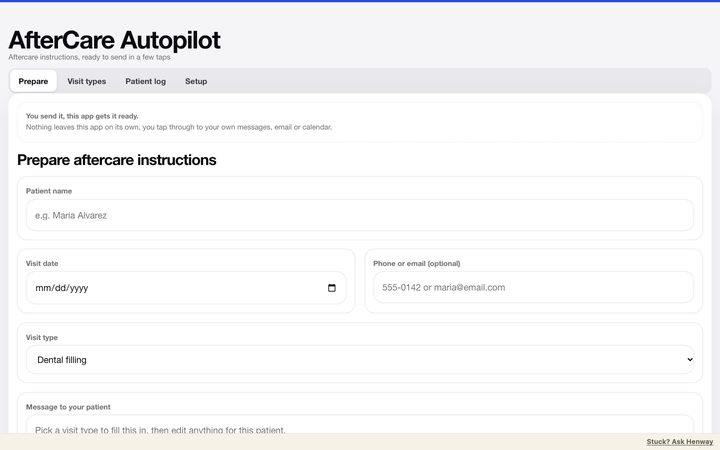
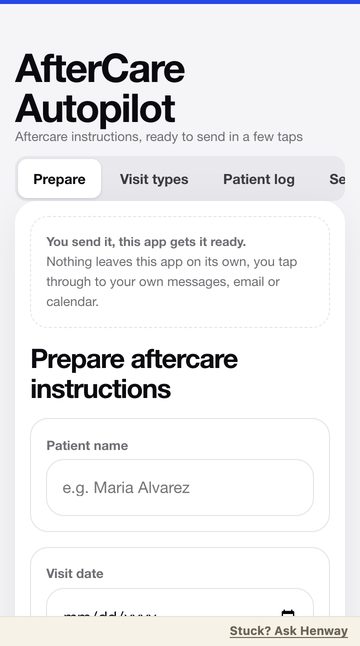
“I explain the same aftercare instructions to every patient, every single day.”

AfterCare Autopilot. Pick the visit type and the instructions are written. You send them in a few taps.

Henway boiled the conversation down to that line, then built it.
AfterCare Autopilot on a laptop
AfterCare Autopilot on a phone

Your business

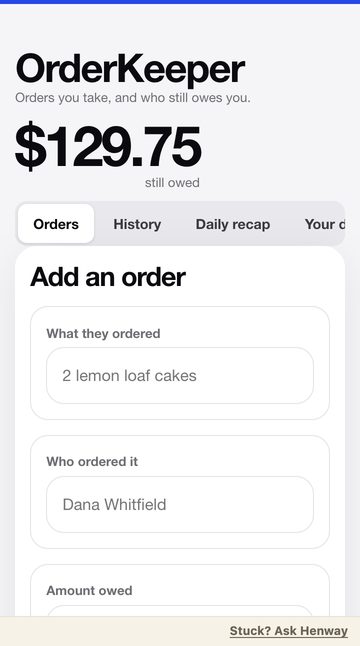
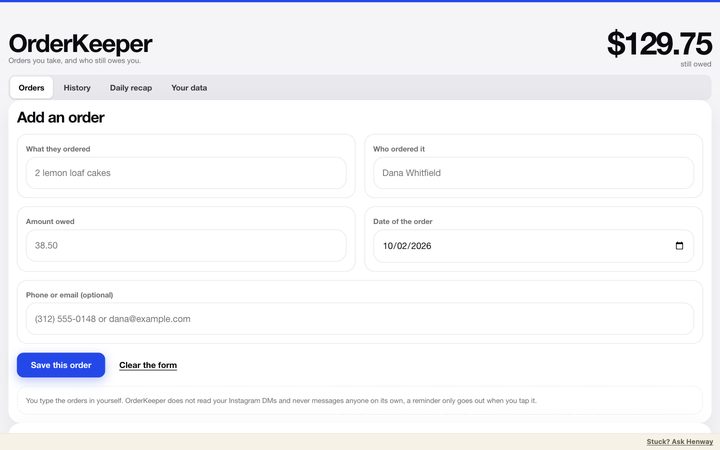
“Orders for my candle business come in through Instagram DMs and I lose track of who paid.”

OrderKeeper. Every order in one place, who still owes you at the top, and a recap for the day.

Henway boiled the conversation down to that line, then built it.
OrderKeeper on a laptop
OrderKeeper on a phone

Your business

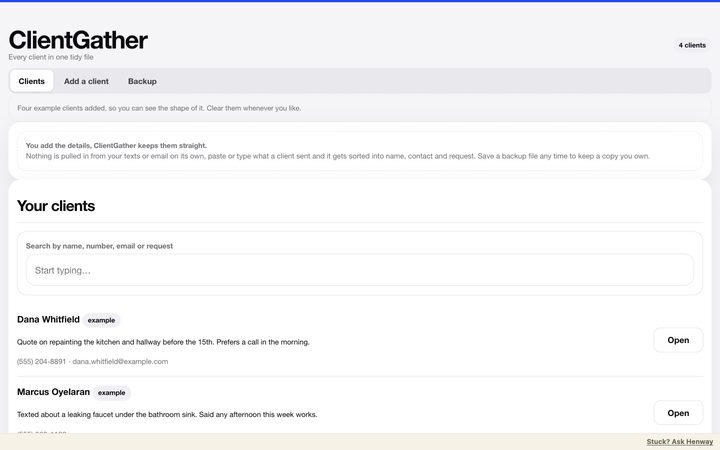
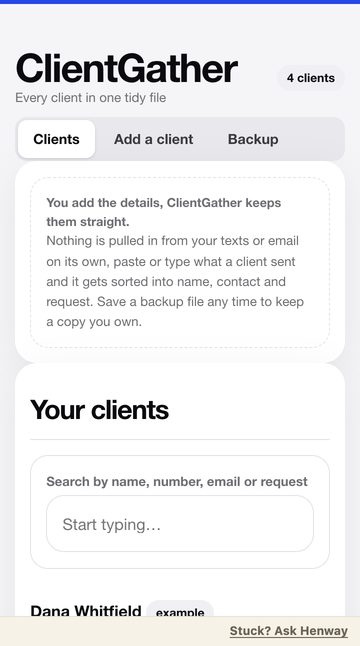
“New clients send me their info in like five different texts.”

ClientGather. Paste what they sent and it's sorted into name, contact and request, in one tidy file.

Henway boiled the conversation down to that line, then built it.
ClientGather on a laptop
ClientGather on a phone

Tech

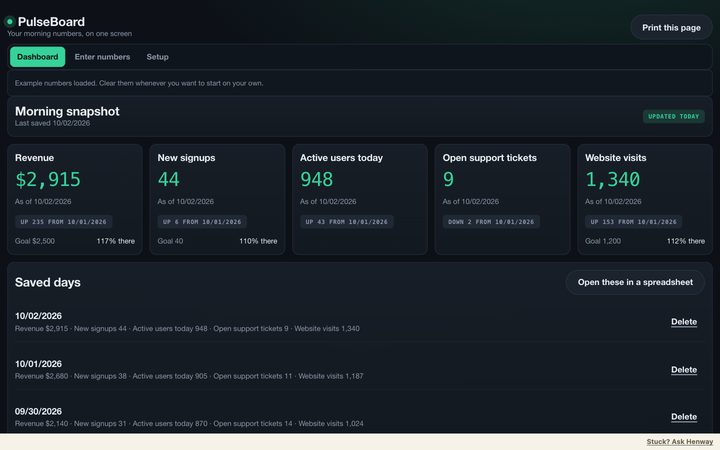
“I check five tabs every morning to see how my side project is doing.”

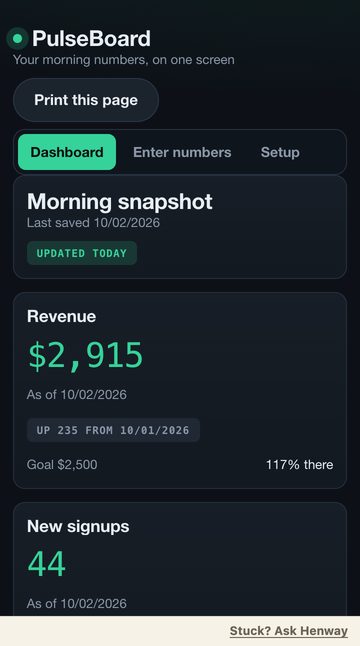
PulseBoard. Your morning numbers on one screen, with how each moved since yesterday.

Henway boiled the conversation down to that line, then built it.
PulseBoard on a laptop in its Control Room look
PulseBoard on a phone in its Control Room look

Tech

“I keep a doc of the prompts that actually work and can never find the right one.”

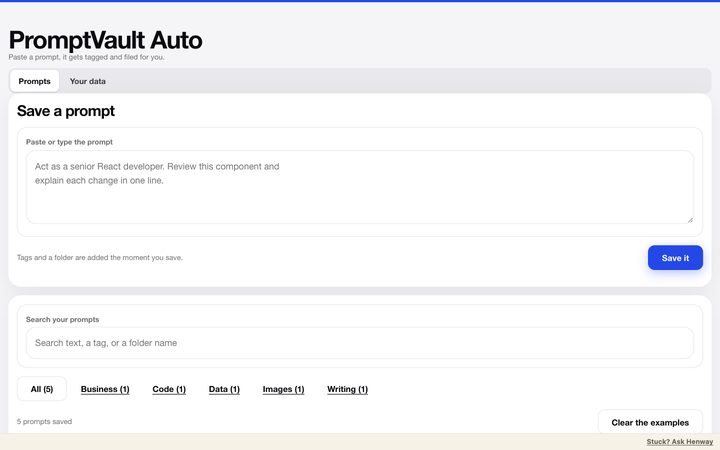
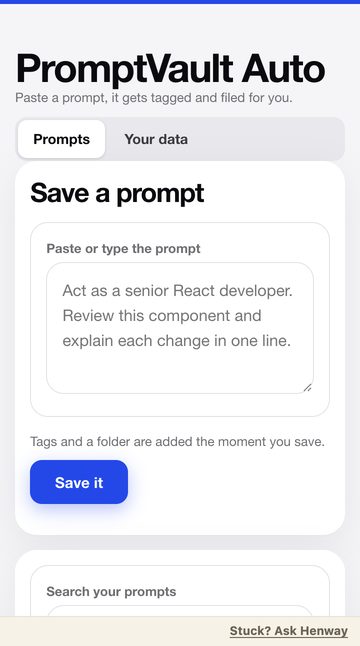
PromptVault Auto. Paste one in, it gets tagged and filed, and search finds it when you need it.

Henway boiled the conversation down to that line, then built it.
PromptVault Auto on a laptop
PromptVault Auto on a phone

Lifestyle

“I save a million recipes and still have no clue what's for dinner.”

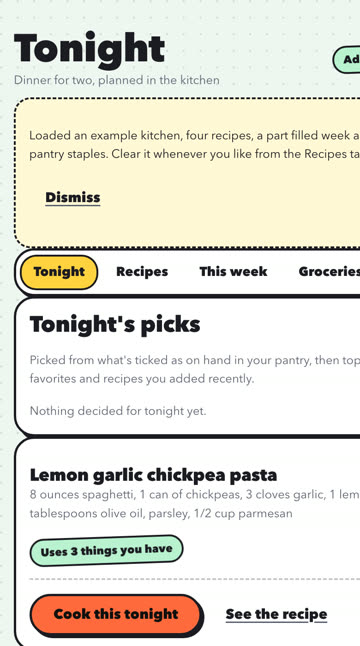
Tonight. Save recipes, get three picks from what you have, plan the week, and the grocery list builds itself.

Built with Henway in about seven minutes, plus two quick changes.
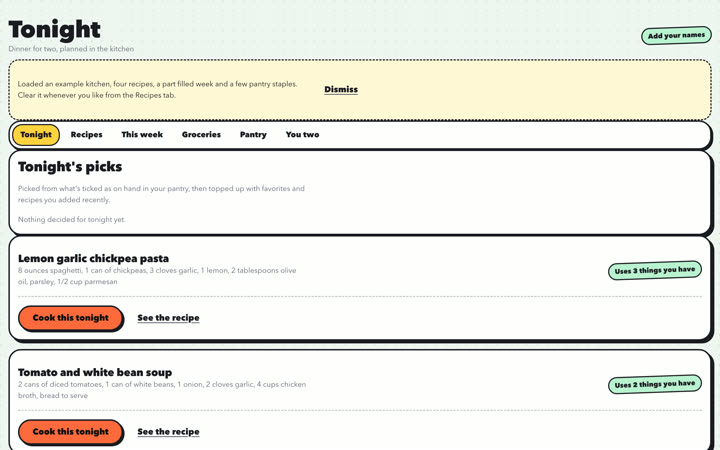
Tonight on a laptop in its Sticker Book look
Tonight on a phone in its Sticker Book look

At work

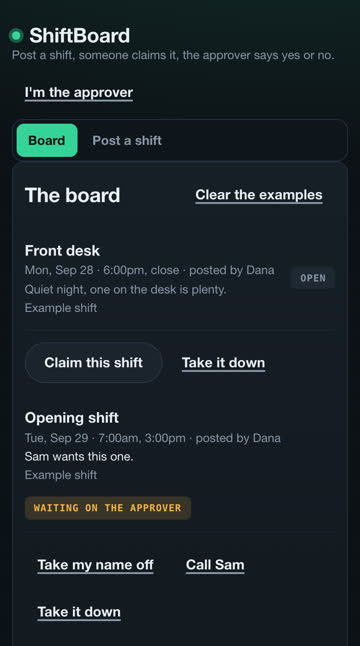
“Every Friday I'm texting six people to see who can cover Saturday.”
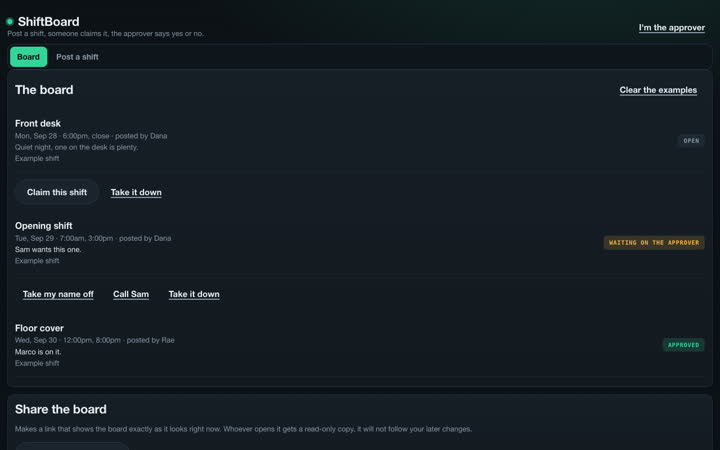
ShiftBoard. The team posts and claims shifts on one board. One person approves.

ShiftBoard on a laptop in its Control Room look
ShiftBoard on a phone in its Control Room look

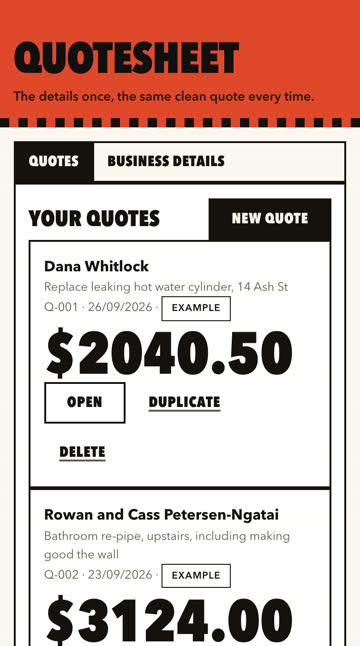
“I keep retyping the same quote from my truck.”
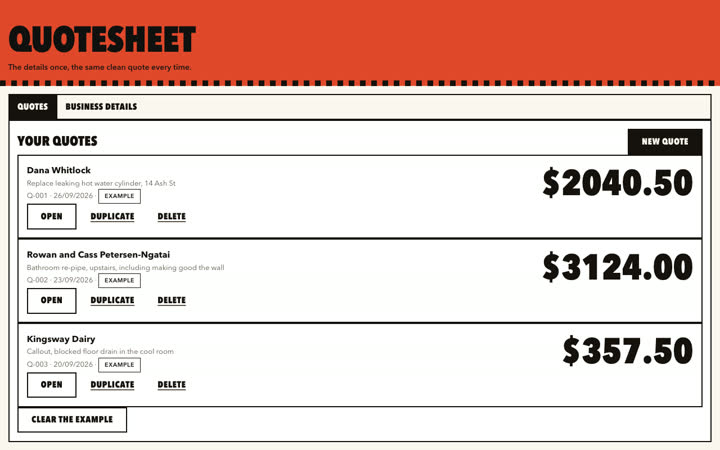
QuoteSheet. The details once, the same clean quote every time. Email it or save it as a PDF.

QuoteSheet on a laptop in its Poster look
QuoteSheet on a phone in its Poster look

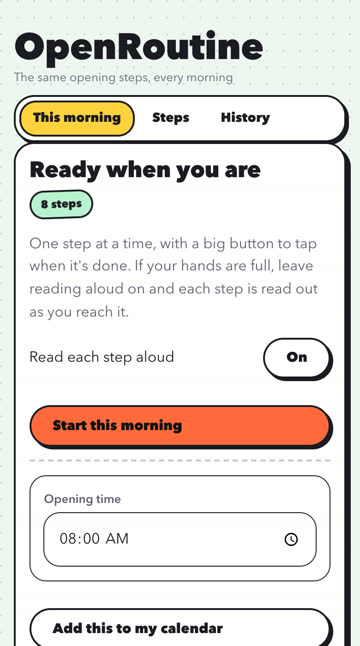
“Whoever opens the shop is just going off memory.”
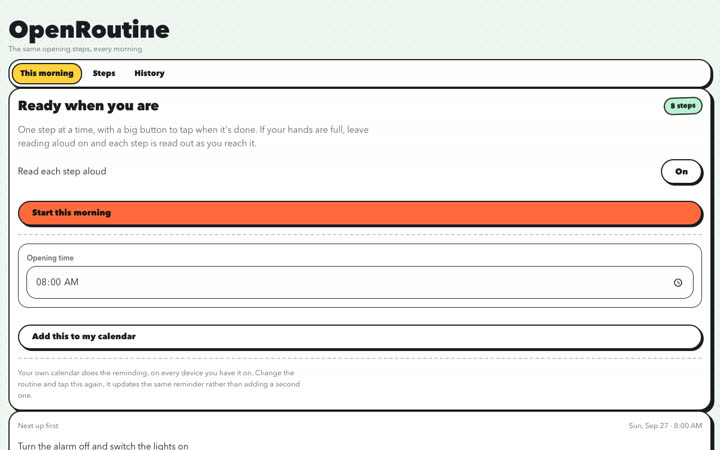
OpenRoutine. The same opening steps every morning, read aloud if your hands are full.

OpenRoutine on a laptop in its Sticker Book look
OpenRoutine on a phone in its Sticker Book look

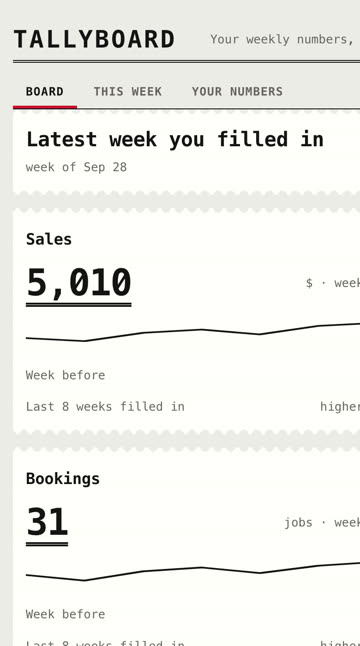
“My numbers are in a notebook, a spreadsheet and my head.”
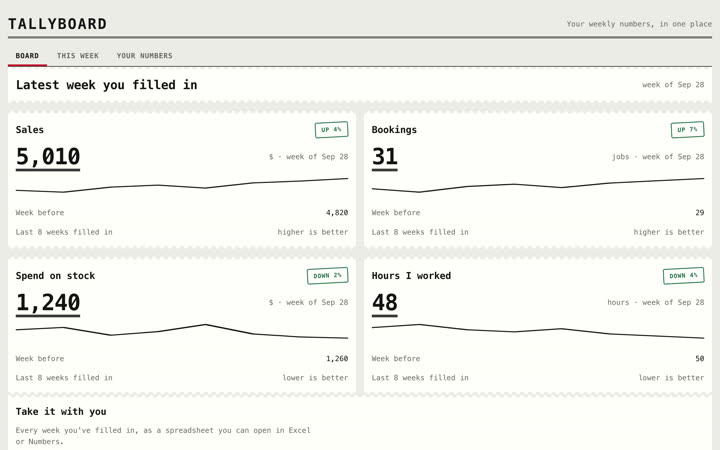
TallyBoard. Type them in each week and see the whole picture.

TallyBoard on a laptop in its Ledger look
TallyBoard on a phone in its Ledger look

For consultants

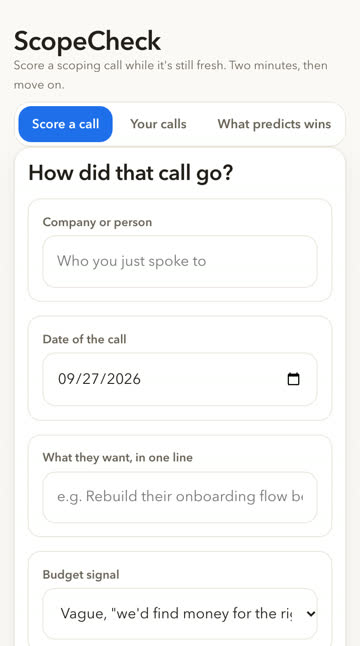
“By the time I write up a scoping call, half of it's gone.”
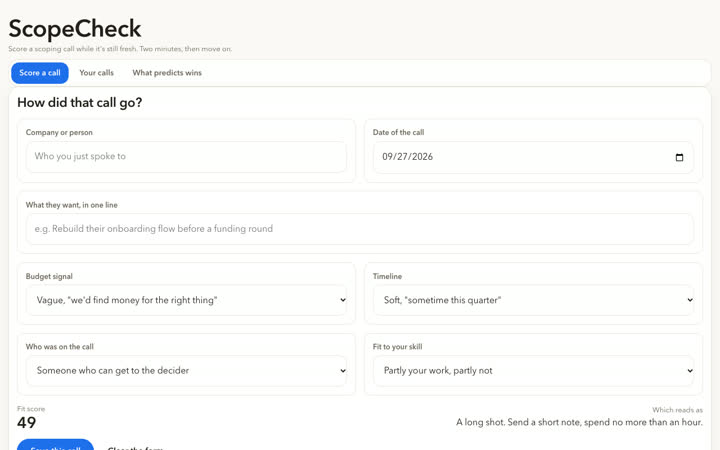
ScopeCheck. Score a call in two minutes while it is fresh, then see which calls turn into work.

ScopeCheck on a laptop
ScopeCheck on a phone

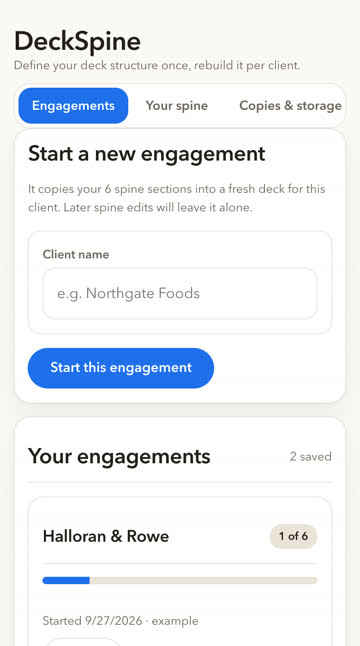
“Every deck I make starts from the last client's, and it drifts a little more each time.”
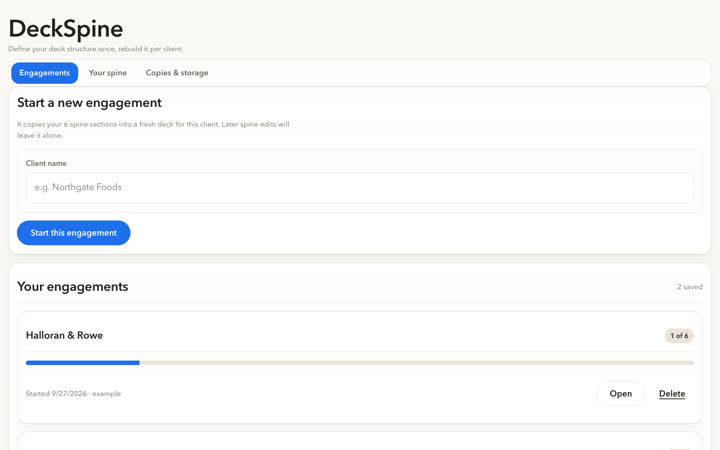
DeckSpine. Set your deck structure once, then start each client from it.

DeckSpine on a laptop
DeckSpine on a phone

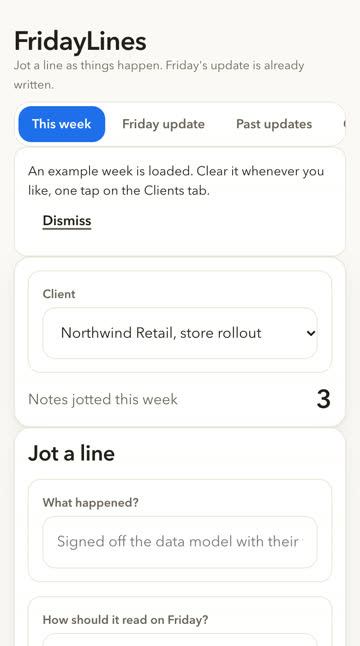
“I write the Friday update on Friday, from memory, and it shows.”
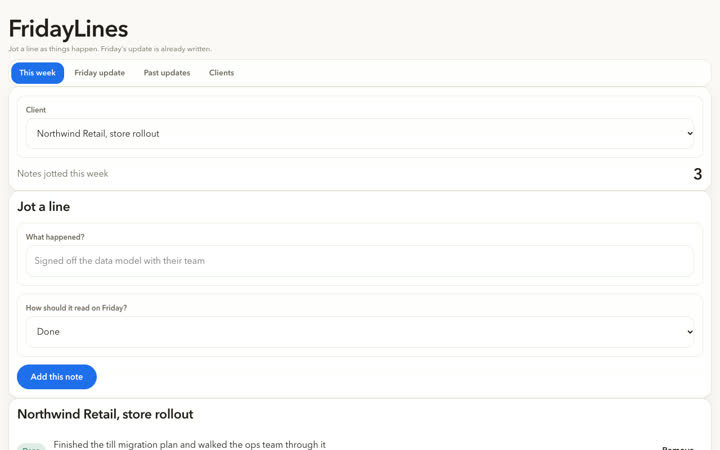
FridayLines. Jot a line as things happen. Friday's update is already written.

FridayLines on a laptop
FridayLines on a phone
Henway is open. Build your own →

One of these is close to your thing. Not exactly. Close. That's the point.

Take it. It's yours to keep going with. Open the code, copy it, change it, build on it in any tool. The one thing we ask is that you don't resell an example as-is as your own product. The full note travels inside each file.
Put it on your home screen. How?
iPhone (iOS 26): tap ⋯ by the address bar, then Share, then Add to Home Screen. Older iPhone: Share, then Add to Home Screen. Android: Chrome menu, then Install app. Desktop: the install icon in the address bar.
MethodWhich toolExamplesFor consultants TrustStudioPricing

© 2026 Henway AI. Patent-pending technology.